
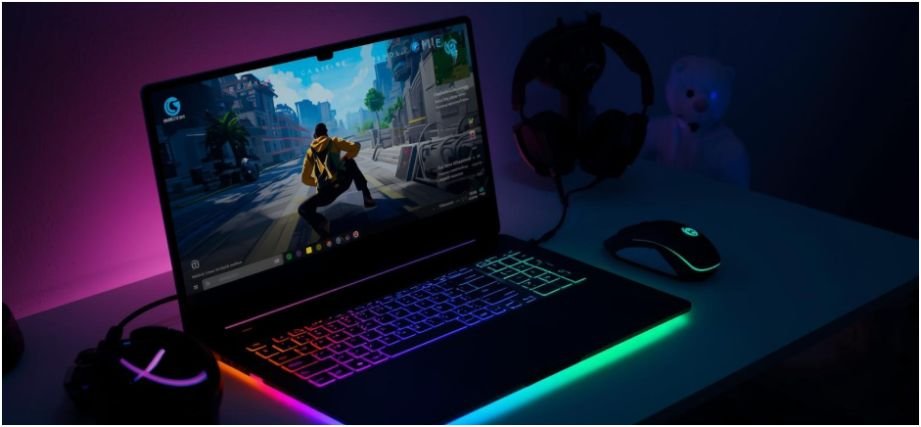
The first “gaming laptop” I bought, looked aggressive, had RGB everywhere, and the salesperson swore it could run anything. A week later, it wheezed through my favorite AAA game on low settings and turned into a mini space heater on my desk. That painful mistake forced me to really learn how to choose a gaming laptop in a smarter, more practical way.
Now I treat laptop shopping like a daily-life habit: I check specs the way I check nutrition labels, and I never trust the name of the GPU without digging into the details. You can do the same, and it feels a lot less overwhelming when you break it down into lifestyle-friendly decisions instead of pure tech jargon.
How to Choose a Gaming Laptop Based on Your Budget?

I always start with budget because it quietly decides almost everything else. When you set a realistic number first, you avoid emotional impulse buys and focus on what actually fits your gaming routine.
If you sit in the entry-level range (around $800 to $1,300), you usually play esports titles like Valorant or Fortnite, or older AAA games. Laptops here often come with RTX 4050 or 4060 GPUs and a Full HD screen. They work well if you keep expectations grounded and stick to medium settings.
The mid-range zone (about $1,400 to $2,200) feels like the sweet spot for most people. You can play modern AAA games at high settings with GPUs like the RTX 4070 or 4080, plus QHD displays and better cooling.
Above that, in the high-end tier ($2,200+), you step into desktop-replacement territory for 4K gaming, heavy ray tracing, and even content creation like 3D work or 8K video editing.
Which Specs Matter Most When You Learn How to Choose a Gaming Laptop?
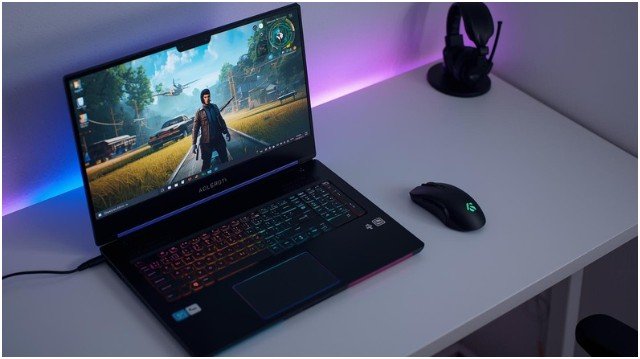
When I think about how to choose a gaming laptop, I always zoom into three core specs: GPU, CPU, and RAM. They work together like a trio, and if one lags behind, you feel it in your frame rates and multitasking.
GPU: Why Does TGP Matter So Much?
The GPU drives your gaming experience. For many current laptops, an RTX 4070 looks like a great target, but here’s the twist: the same RTX 4070 can perform very differently across laptops.
Manufacturers set different TGP (Total Graphics Power) limits, and that wattage changes how hard the GPU can push. A high-wattage RTX 4070 easily outperforms a low-wattage one, even though the name on the sticker looks identical.
| Laptop Model | RTX 4070 Max TGP (W) |
| Acer Predator Helios 16/Neo 16 | Up to 140W (some up to 175W) |
| Alienware m16 R2 / R14 | Up to 140W |
| Asus ROG Strix G16 | Up to 140W |
| Asus TUF Gaming A17 / F15 | Up to 140W |
| Lenovo Legion Pro 5 / Slim 7i | Up to 140W |
| Razer Blade 14 / 18 | Up to 140W |
| HP Omen 16 | Up to 140W |
| Schenker XMG Pro 16 Studio | Up to 140W |
| Asus ROG Zephyrus G14 / G16 | 80–90W |
| Asus Zenbook Pro 14 OLED | 90W |
| Dell XPS 17 | 70W |
| Dell XPS 15 | 50W |
Higher wattage gives you stronger gaming performance, but I notice diminishing returns once you cross roughly 90–100W. Performance still improves, but not as dramatically as going from, say, 50W to 90W.
CPU: How Many Cores Do You Actually Need?
For most gamers, I treat an Intel Core i5/i7 or AMD Ryzen 5/7 as the baseline. They handle modern games and everyday multitasking just fine. If you stream, edit video, or run a bunch of apps in the background, a Core i7/i9 or Ryzen 7/9 with more cores feels smoother.
I also check for recent generations rather than chasing the most expensive chip. A newer mid-tier CPU often feels more balanced than an older flagship.
RAM: Why Do I Aim for 16GB?
These days, I rarely go below 16GB of RAM. DDR5 offers better performance than DDR4, so I treat it as a bonus when the budget allows. I also look for dual-channel setups (two RAM sticks), because that unlocks more bandwidth. When the laptop supports upgrades, I feel more comfortable starting with 16GB and planning a future jump to 32GB.
How Does the Screen Affect How to Choose a Gaming Laptop?
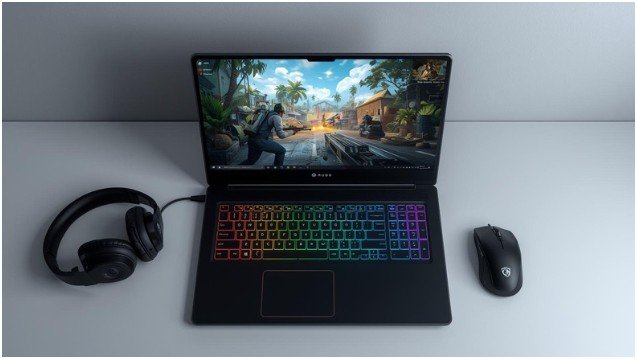
The display shapes how your games actually look and feel every single day, so I never treat it like an afterthought. I usually ask myself what I care about more: sharpness, smoothness, or color.
If I want a balanced experience, Full HD (1920×1080 or 1920×1200) at a high refresh rate feels great. For sharper visuals and a bit more future-proofing, I like QHD (1440p/1600p) paired with a strong GPU like the RTX 4070 or 4080. I avoid pushing high resolutions on weaker GPUs because they often struggle to keep frame rates high.
Refresh rate matters a lot in fast-paced shooters. A 120Hz or 144Hz panel already looks very smooth, and higher rates like 240Hz mainly benefit competitive players. For panel type, an IPS panel delivers good color and angles, while OLED or Mini-LED panels serve rich contrast if I care about visuals as much as performance.
How to Choose a Gaming Laptop Step by Step?
When I explain how to choose a gaming laptop to friends, I turn it into a simple step-by-step routine that fits real life instead of a tech lecture.
Step 1: I fix my budget range first and decide whether I live in the entry-level, mid-range, or high-end world. I match that with the kind of games I actually play, not just the ones I dream about.
Step 2: I pick my GPU target. If I play AAA games and care about high settings, I focus on laptops with at least an RTX 4060 or 4070, then I check the TGP value on spec sheets or trusted reviews.
Step 3: I match the CPU and RAM. I look for an Intel i5/i7 or Ryzen 5/7, plus 16GB RAM in dual-channel. If I multitask heavily or plan to stream, I push for higher-end CPUs and consider future RAM upgrades.
Step 4: I narrow down display options. I decide whether I want pure speed (high refresh Full HD) or a sharper QHD panel. I read user feedback about brightness and color because specs alone never tell the full story.
Step 5: I check storage, cooling, and build. I aim for at least 512GB SSD, preferably 1TB, and I look for an extra M.2 slot. I also read reviews about temperatures and fan noise, because a hot, loud laptop feels annoying in daily use.
Where Do Portability and Brand Fit Into How to Choose a Gaming Laptop?
I treat size and weight like part of my lifestyle checklist. If I move around a lot, I usually prefer a 14-inch or slim 16-inch model, even if that means a slightly lower TGP. For mostly desk use, an 18-inch machine with higher wattage feels like a powerful, semi-fixed setup.
Ports matter more than people admit. I look for HDMI, multiple USB ports, maybe USB-C with DisplayPort, and decent Wi-Fi support. That way I plug in my monitor, controller, and external SSD without juggling dongles.
Brand reputation helps cut through noise. I often lean towards lineups like Lenovo Legion, Asus ROG/TUF, HP Omen/Victus, Dell Alienware, and Razer Blade. I also read real-world user reviews to catch recurring issues with cooling, build quality, or fan noise before I spend anything.
What Questions Come Up When You Search How to Choose a Gaming Laptop?
1. Is an RTX 4070 Worth It for 1080p Gaming?
If you mainly game at 1080p, an RTX 4070 feels more like a luxury than a bare minimum. I see it as a great choice if you want high frame rates, ray tracing, or plan to use a higher refresh rate screen.
If you play lighter titles or do not care about max settings, an RTX 4060 can handle plenty. The key comes down to how long you want the laptop to stay relevant and how demanding your favorite games feel.
2. How Much Storage Do I Really Need?
I treat 512GB SSD as the absolute starting point and 1TB as the realistic goal. Modern games eat storage quickly, and the OS plus launchers already take a chunk.
When I plan for 1TB, I avoid the constant uninstall–reinstall cycle. I also check for an extra M.2 slot, so I can add another SSD later instead of upgrading the entire laptop.
3. Does TGP Matter More Than Clock Speed on a Laptop GPU?
For mobile GPUs like the RTX 4070, TGP tells me a lot about real-world performance. Higher wattage lets the GPU sustain stronger clocks under load. I still care about proper cooling and design, but I always compare TGP values across laptops with the same GPU.
A 140W RTX 4070 usually outperforms a 50W one by a noticeable margin, even if both share similar boost clock marketing numbers.
4. Should I Go for QHD or Stick to Full HD?
I choose QHD when I have a strong GPU and care about detailed visuals, especially for single-player games and immersive worlds. It makes everything look cleaner and sharper.
If I focus on competitive shooters and want sky-high frame rates, Full HD feels enough and more efficient. I match resolution with my GPU’s strength and the genre I play the most.
Ready to Stop Guessing and Finally Know How to Choose a Gaming Laptop?
When you understand how to choose a gaming laptop, the process starts to feel empowering instead of confusing. You set your budget, match it with your real gaming habits, pay attention to GPU wattage, and treat the display, storage, and cooling like everyday comfort features instead of nice extras.
My personal tip: never rush the decision during a flash sale. Save a short list of models, compare their TGP, CPU, RAM, and storage, and read a few honest reviews.
That extra hour often saves you years of annoyance with the wrong machine. And when you finally boot up your new laptop and see your favorite game run smoothly, the homework feels totally worth it.